How to check Mistral OCR 4.1 on scanned patch notices
A defensive review exercise for checking product names and affected versions when a security bulletin arrives as a scanned PDF.
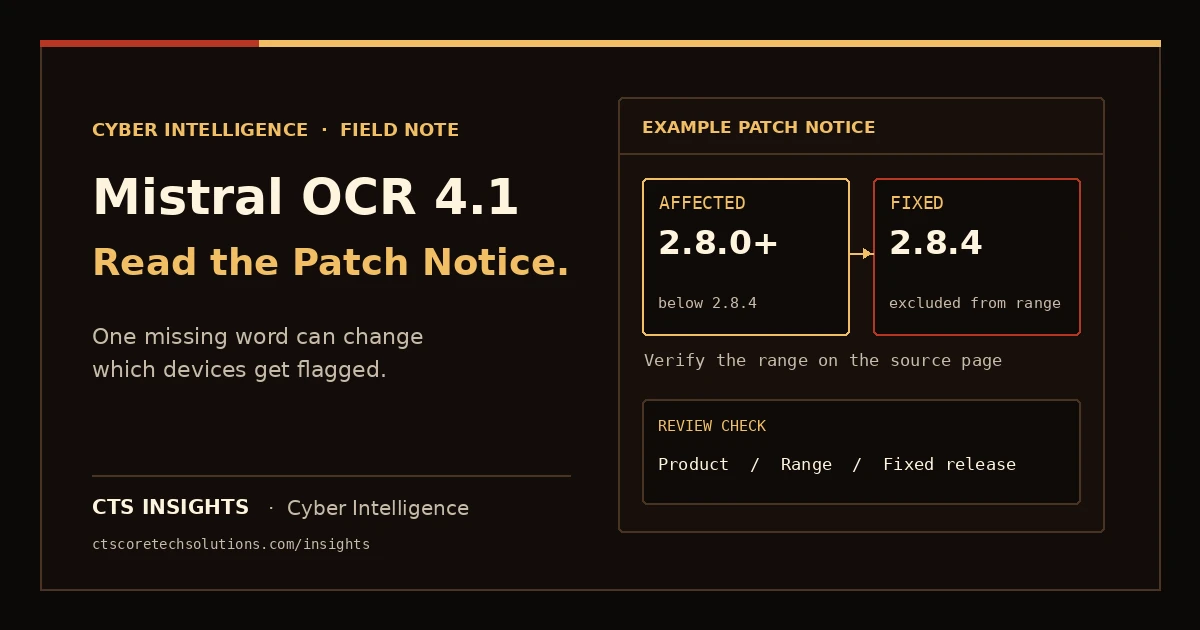
A scanned bulletin says a product needs an update. Before adding work to the patch queue, someone needs the affected version range. A single missing character in a range can change which machines get flagged.
Mistral OCR 4.1 turns a page image into extracted content. Mistral documents paragraph-level bounding boxes and block-level confidence scores. A bounding box gives the reviewer a place on the original page to look. A confidence score can help route uncertain passages to review. I’d still check every version boundary because a single character can change the patch list.
A worked example with an answer key
Use this fictional bulletin for a dry run. Put the three lines below on a page, then take a clean screenshot and a lower-quality scan of the same page.
| Field | Bulletin text |
|---|---|
| Product | Example Inventory Desktop |
| Affected versions | 2.8.0 to less than 2.8.4 |
| Fixed release | 2.8.4 |
Run OCR on both copies and check the extracted product, affected range, and fixed release against the original. If the scan drops “less than,” pause that record for review. If your inventory lists 2.8.3, it falls in the affected range. Versions 2.8.4 and 2.7.9 fall outside this bulletin’s range.
Keep extraction and patch decisions separate
- Save the source page and extracted text together so the reviewer can see both.
- Require exact agreement on the version boundary before matching inventory records. Keep ambiguous versions unresolved.
- Once someone approves the range, apply it with version-aware comparison code and check the boundary cases. For this test, use 2.7.9, 2.8.0, 2.8.3, and 2.8.4.
This is a review exercise with an expected result. It gives you a way to score an OCR workflow on the field that actually drives the decision. Before creating real patch tasks, verify the current vendor notice for the product and release branch in your inventory.